💳 Payment Setup Guide for Foreigners in China (2026)
The Payment Revolution
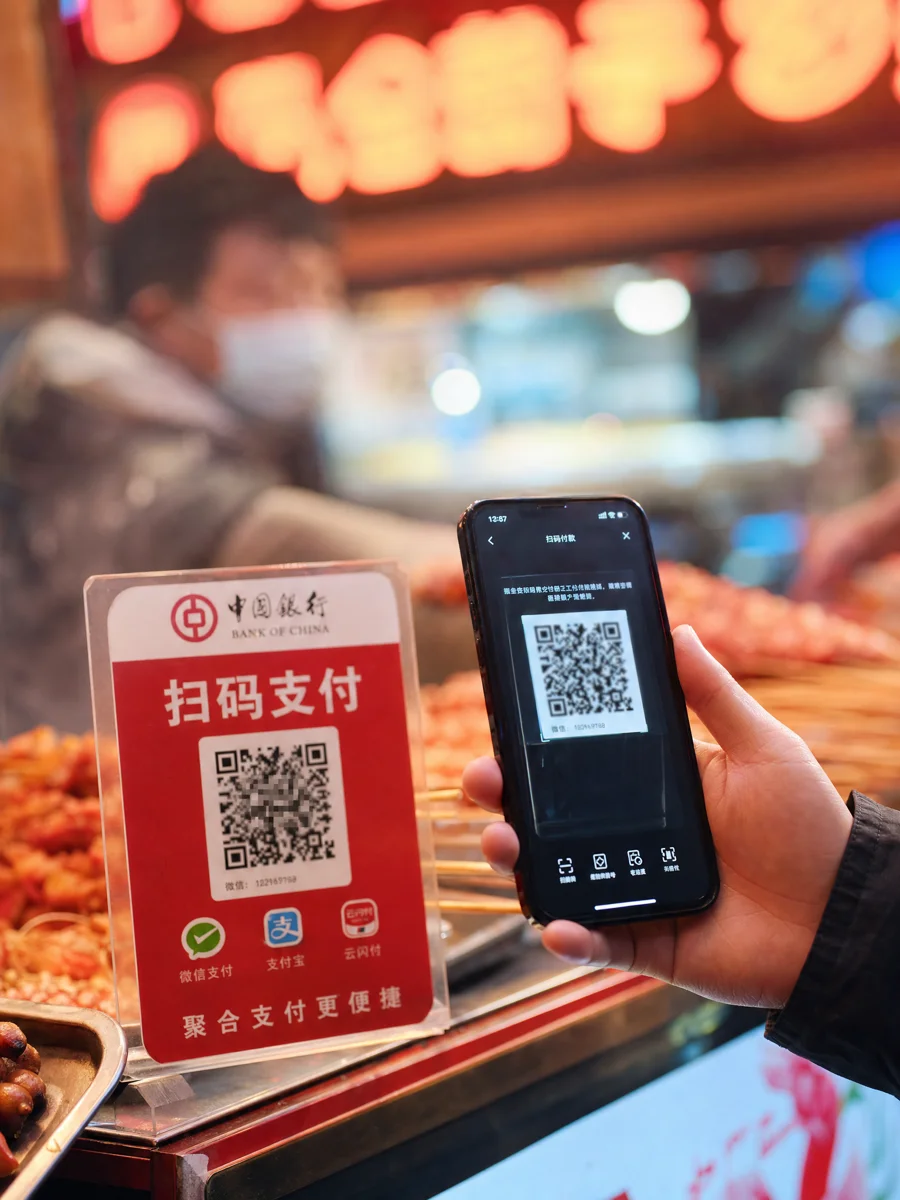
China is overwhelmingly cashless. Mobile payments (WeChat Pay and Alipay) handle over 80% of all transactions. As a foreigner, setting up mobile payment is your #1 priority after arrival.
💚 WeChat Pay (Recommended to Start Here)
WeChat Pay is China’s most popular payment app, used by over 1.3 billion people.
Step-by-Step Setup:
- Download WeChat from your app store (search “微信”)
- Register with your phone number (international numbers accepted)
- Go to Me → Pay → Wallet
- Tap “Bank Card” → Add a new card
- Enter your foreign Visa/Mastercard details
- Verify via SMS code
- Done! You can now pay at most merchants
What You Can Pay For:
| ✅ Works | ❌ Doesn’t Work |
|---|---|
| Restaurants & cafes | International transfers |
| Convenience stores | Sending money to friends |
| Taxis & Didi | Topping up savings |
| Metro (in most cities) | Some government fees |
| Small shops & vendors | Very few things! |
| Online shopping (Taobao) |
Limits & Fees (2026 Policy):
| Item | Details |
|---|---|
| Single transaction (Alipay) | $5,000 USD |
| Single transaction (WeChat Pay) | $5,000 USD or ¥6,000 RMB, whichever is lower |
| WeChat Pay monthly limit | ¥50,000 RMB |
| WeChat Pay annual limit | ¥60,000 RMB / $50,000 USD |
| Alipay annual limit | $50,000 USD |
| Foreign card fee | 3% (waived for transactions ≤ ¥200) |
| Fee waiver for new users | ¥1,000/day fee-free for first 90 days after binding |
| Supported cards | Visa, Mastercard, JCB, Discover, Diners Club, Amex |
💡 Fee tip: Transactions of ¥200 or less have 0% foreign card fee. For the first 90 days after binding your card, you get ¥1,000 per day with no fees at all.
🔵 Alipay (The Other Giant)
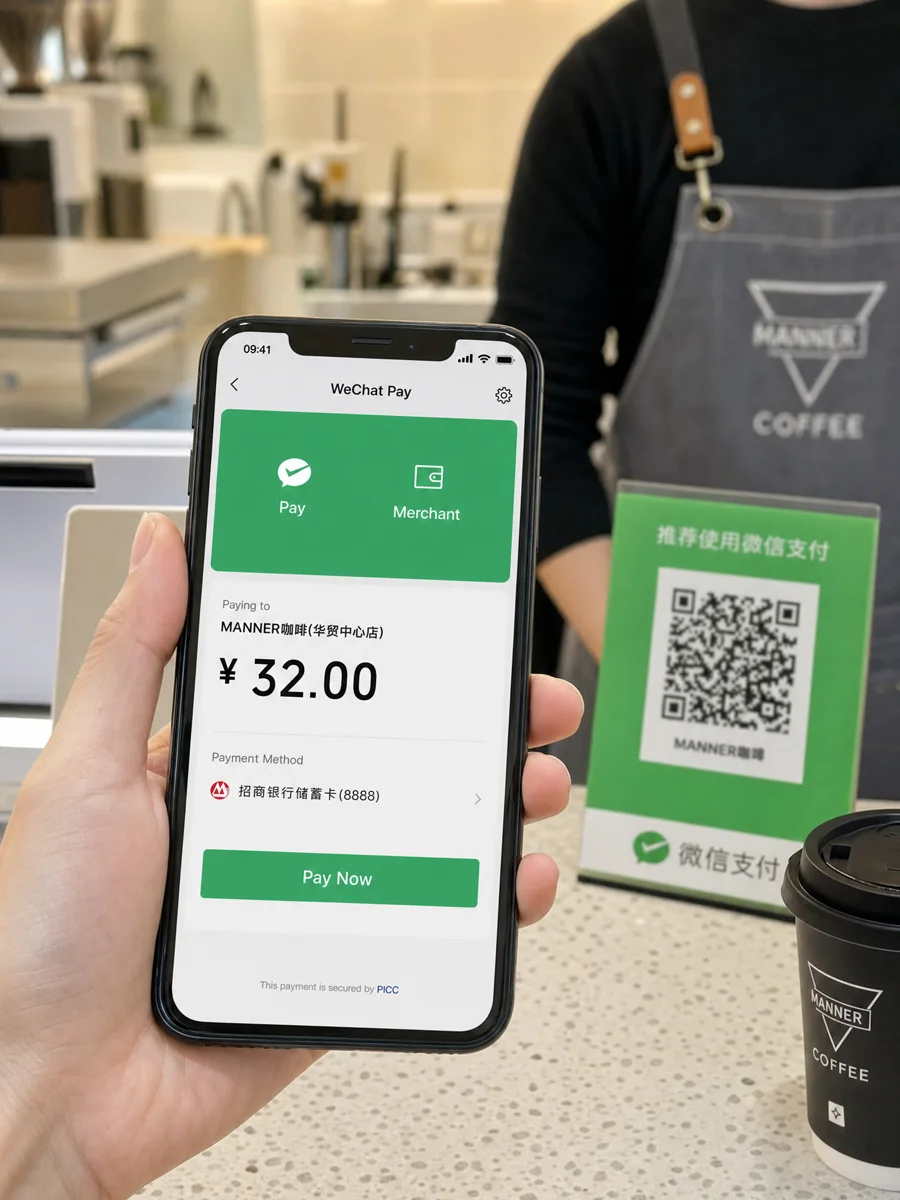
Alipay (支付宝) is equally powerful, especially for online shopping and larger merchants.
Step-by-Step Setup:
- Download Alipay (search “支付宝”)
- Register with phone number
- Go to Me → Bank Cards
- Add your foreign card (Visa/Mastercard)
- Complete verification
- Start paying!
Alipay vs WeChat Pay:
| Feature | WeChat Pay | Alipay |
|---|---|---|
| Social integration | Built into WeChat | Separate app |
| International cards | ✅ Supported | ✅ Supported |
| Mini programs | ✅ Lots | ✅ Lots |
| Bill splitting | ✅ Easy | ✅ Available |
| Online shopping | WeChat Store | Taobao/Tmall (better) |
| Transport | Metro/bus | Metro/bus |
| Spending limit (annual) | $50,000 USD / ¥60,000 RMB | $50,000 USD |
| Best for | Social + daily payments | Shopping + utility bills |
💡 Pro tip: Install both apps. Some merchants prefer one over the other.
💳 Cash (Still Accepted but Rare)
Cash is still legal tender, but many merchants prefer not to handle it.
When You Might Need Cash:
- Very small vendors in rural areas
- Some street food stalls
- Emergency backup when phone dies
Where to Get Cash:
| Method | Pros | Cons |
|---|---|---|
| ATMs | Widest availability | Small daily limit (~¥2,500) |
| Airport exchange | Convenient | Bad rates |
| Bank exchange | Best rates | Needs passport, queue |
| Hotel exchange | Convenient | Mediocre rates |
ATM Tips:
- Look for ATMs with Visa/Mastercard/UnionPay logos
- Daily withdrawal limit: ~¥2,500-5,000 RMB
- Fees: Your home bank + Chinese bank both charge (~$3-5 each)
- Best ATMs: Bank of China, ICBC, HSBC (accept international cards most reliably)
🏪 Setting Up In-Store Payments

How to Pay at a Store:
- Open WeChat Pay or Alipay
- Tap “Scan” (扫一扫)
- Scan the merchant’s QR code (usually at the counter)
- Enter the amount (or it’s pre-entered)
- Confirm payment with Face ID/fingerprint
- Done! The merchant gets notified instantly
QR Code Placement:
| Where | What It Looks Like |
|---|---|
| Counter | Printed QR code on stand |
| Receipt | QR code printed on receipt |
| Screen | Merchant shows QR on their phone |
| Table sticker | Sticker on restaurant tables |
🔧 Troubleshooting Common Issues
”Card Not Supported”
- Try adding the card again (sometimes first attempt fails)
- Call your bank to enable international transactions
- Try a different card (Visa works better than Mastercard in China)
- Use Alipay instead of WeChat Pay (sometimes one works when the other doesn’t)
“Verification Failed”
- Make sure your phone number is correct
- Check if your bank sent a verification SMS
- Try calling your bank to whitelist Chinese transactions
- Some banks require you to activate international payments before traveling
”Transaction Declined”
- Check your daily limit hasn’t been reached
- Verify your card balance is sufficient
- Some merchants have minimum amounts (usually ¥1-5)
- Try a different payment method (switch between WeChat/Alipay)
“Can’t Add Card”
- Ensure your app is updated to the latest version
- Try restarting the app after adding card details
- Clear the app cache and try again
- Contact WeChat/Alipay support through the app
📊 Cash vs Mobile Payment Comparison
| Factor | Cash | Mobile Payment |
|---|---|---|
| Accepted everywhere | ❌ Many don’t accept | ✅ Almost everywhere |
| Speed | Slower | Instant |
| Safety | Risk of theft | Very secure |
| Tracking | No records | Full transaction history |
| Fees | ATM fees | ~3% foreign card fee |
| Minimum spend | None | ¥1 usually |
| Best for | Emergency backup | Everything |
💡 Pro Tips
- Set up both WeChat Pay AND Alipay — some merchants prefer one
- Keep a small cash reserve (¥500-1000) for emergencies
- Notify your bank before traveling to avoid card blocks
- Check your daily limits — they reset at midnight China time
- Use the app’s “Help” section — both apps have excellent English support
- Scan QR codes carefully — only scan from trusted merchants
- Take screenshots of your QR code setup — helpful if you need to re-add cards
📖 Previous: Visa & Entry Guide | Next: Internet & VPN Guide