🌐 Internet & VPN Guide for Foreigners in China (2026)

The Great Firewall of China
China has the world’s most sophisticated internet censorship system, known as the Great Firewall (GFW). Many popular websites and apps are blocked in China.
⚠️ 2026 VPN Crackdown — Plan Ahead
Since early 2026, China has significantly tightened VPN enforcement. The GFW now uses deep packet inspection (DPI) + AI-based traffic analysis to detect and block VPN connections in real time. What worked last year may not work tomorrow.
Key changes in 2026:
- LetsVPN shut down (March 2026) — was the #1 recommendation for China travelers
- Protocol-level blocking — older protocols (PPTP, L2TP, basic OpenVPN) are dead
- Server IP blacklisting — even major providers get their IPs rotated into blocklists weekly
- Time-based throttling — VPNs work in the morning, die by afternoon during敏感 periods
🛡️ Rule #1: Always carry at least TWO VPNs. One as primary, one as backup. Three is better. They cost less than the frustration of being cut off.
🚫 Blocked Services (You’ll Need a VPN)
| Category | Blocked Services |
|---|---|
| Search | Google (all services), Bing (sometimes) |
| Social | Facebook, Instagram, Twitter/X, Snapchat, TikTok (international) |
| Messaging | WhatsApp, Telegram, Signal, Facebook Messenger |
| Video | YouTube, Netflix, Disney+, HBO |
| News | BBC, NYT, WSJ, Reuters, most international news |
| Maps | Google Maps, Apple Maps (limited) |
| AI | ChatGPT, Claude, Gemini (web versions) |
| Cloud | Google Drive, Dropbox (sometimes), iCloud (limited) |
⚠️ Chinese alternatives exist for everything — see the apps guide for details.
📱 eSIM: Your Best Friend (Recommended)
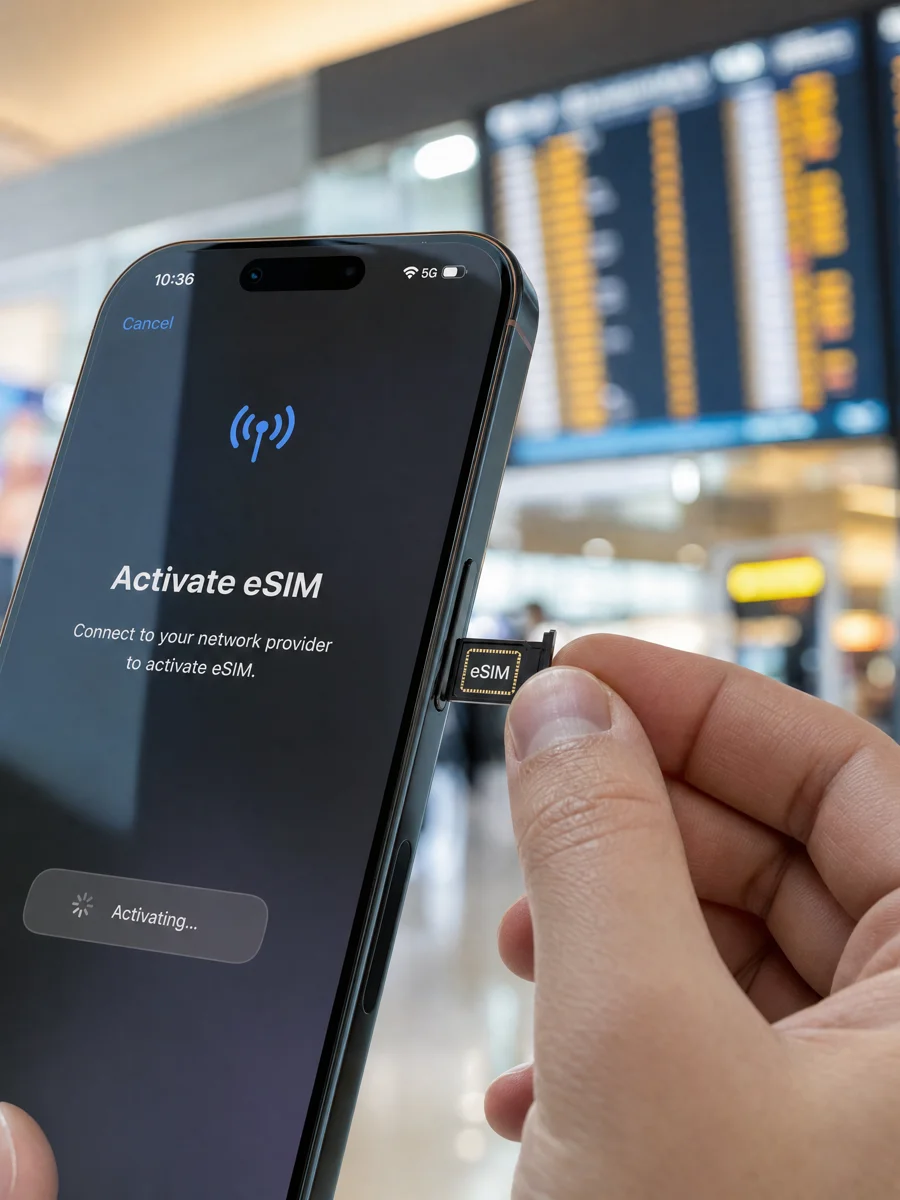
An eSIM gives you uninterrupted internet access from the moment you land, with built-in access to blocked services (including Google).
Recommended eSIM Providers:
🔗 = We have an affiliate link supporting this guide. No extra cost to you.
| Provider | Data | Price | Validity | QR Code | Link |
|---|---|---|---|---|---|
| Airalo | 1-20GB | $5-30 | 7-30 days |  | 🔗 Get Airalo |
| Saily | 1-20GB | $5-30 | 7-30 days |  | 🔗 Get Saily |
| Drimsim | Global eSIM | Varies | Flexible |  | 🔗 Get Drimsim |
How to Set Up eSIM:
- Before departure: Buy an eSIM plan from any provider above
- Install the eSIM: Scan the QR code sent to your email
- Activate on arrival: Turn on the eSIM in your phone settings
- Keep your home SIM: Use it only for calls/SMS if needed
Why eSIM is Better Than Local SIM:
| Factor | eSIM | Local SIM |
|---|---|---|
| Setup | Done before arrival | Need to visit store |
| Phone number | Uses home number | Gets Chinese number |
| Google access | ✅ Yes | ❌ No |
| Speed | Good (uses local networks) | Good |
| Convenience | Instant activation | Queue at store |
💡 Pro tip: eSIM providers route traffic through non-Chinese servers, so Google, WhatsApp, etc. work without a separate VPN.
🔐 VPN (Virtual Private Network)
A VPN encrypts your internet traffic and routes it through a server outside China, bypassing the Great Firewall.
Best VPNs for China (2026):
🔗 = We have an affiliate link supporting this guide. No extra cost to you.
| VPN | Monthly | Annual (per mo) | Works in China | Link |
|---|---|---|---|---|
| ProtonVPN | Free / $4.99 | $4.99 | ✅ Yes | 🔗 ProtonVPN |
| 365VPN | $4.14 (1st mo) | $4.21/mo | ✅ China specialist | 🔗 365VPN |
| AstrillVPN | $15-20 | $10-12.50 | ✅ Most reliable | astrill.com |
| ExpressVPN | $12.95 | $6.67 | ✅ Good | 🔗 ExpressVPN |
| NordVPN | $12.99 | $4.99 | ✅ Good | 🔗 NordVPN |
| Surfshark | — | $2.49 | ⚠️ Inconsistent | surfshark.com |
VPN Setup (Do This BEFORE You Leave):
- Download the VPN app while still in your home country
- Create an account and pay for a subscription
- Test it to make sure it works
- Save login credentials offline (screenshot or write down)
- Download the app on all devices (phone, laptop, tablet)
VPN Tips:
| Tip | Why |
|---|---|
| Install BEFORE arrival | VPN websites are blocked in China |
| Try multiple servers | Some servers get blocked; switch often |
| Use “stealth” or “obfuscated” mode | Hides VPN traffic from detection |
| Keep app updated | GFW updates frequently |
| Have a backup VPN | One VPN is never enough |
| Save setup instructions | For when you need to reinstall |
⚠️ Important: China periodically blocks VPN connections. Always have a backup plan (eSIM or second VPN).
⛔ VPNs That No Longer Work in China (2026)
These VPNs were once popular but are now consistently blocked or have shut down:
| VPN | Status | What Happened |
|---|---|---|
| LetsVPN | ❌ Dead | Shut down / stopped working March 2026 |
| CyberGhost | ❌ Unreliable | Servers consistently blocked in China |
| IPVanish | ❌ Unreliable | Rarely connects through GFW |
| VyprVPN | ⚠️ Degraded | Chameleon protocol less effective since 2025 |
🚫 Do not buy these for China use. Save your money.
🔄 Chinese App Alternatives (No VPN Needed)
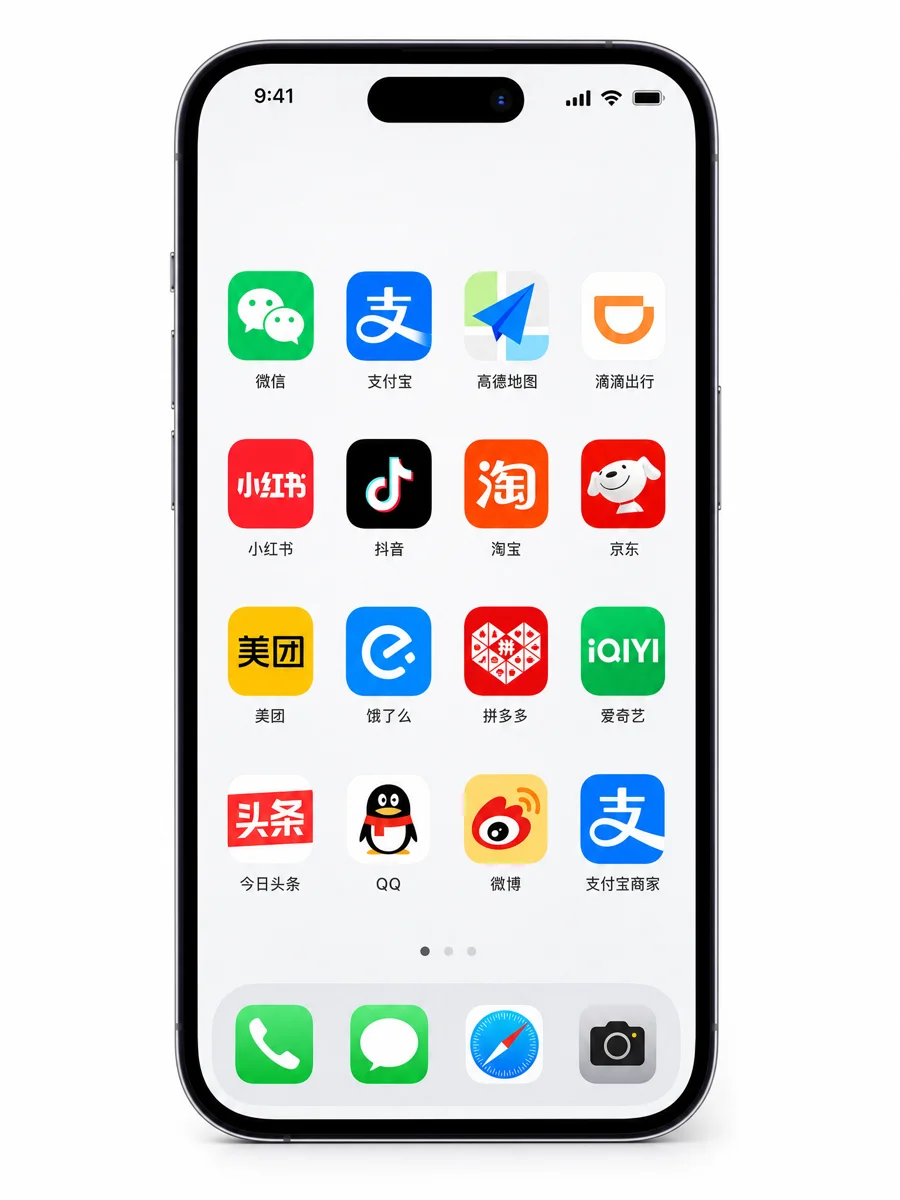
For daily life in China, Chinese apps work better than blocked foreign ones:
| Blocked App | Chinese Alternative | Why It’s Better |
|---|---|---|
| Google Maps | Amap (高德地图) | Real-time traffic, metro lines |
| Google Search | Baidu (百度) | Better Chinese results |
| WeChat (微信) | Everyone in China uses it | |
| Xiaohongshu (小红书) | Chinese Instagram + reviews | |
| Twitter/X | Weibo (微博) | Chinese Twitter |
| YouTube | Bilibili (哔哩哔哩) | Chinese YouTube |
| Uber | Didi (滴滴) | Better coverage in China |
| Google Translate | Baidu Translate (百度翻译) | Offline Chinese support |
| Spotify | NetEase Music (网易云音乐) | Better Chinese music library |
💡 See the Essential Apps Guide for detailed app recommendations.
📶 WiFi in China
Hotel WiFi:
- Most hotels offer free WiFi (sometimes slow)
- May require room number + passport to connect
- Not always reliable for video calls
Café WiFi:
- Starbucks, McDonald’s, and chain cafes usually have free WiFi
- May require Chinese phone number to authenticate
- Download a WiFi finder app (like WiFi Master Key)
Airport WiFi:
- Available in most major airports
- Usually requires passport scan to connect
- Good for quick emails, not for streaming
📊 Data Plan Comparison
| Option | Cost | Speed | Google Access | Setup |
|---|---|---|---|---|
| eSIM | $5-30 | ⭐⭐⭐⭐ | ✅ Yes | Before arrival |
| Local SIM | ¥50-200 | ⭐⭐⭐⭐⭐ | ❌ No (need VPN) | At airport/store |
| Hotel WiFi | Free | ⭐⭐⭐ | ❌ No (need VPN) | On arrival |
| Portable WiFi | ¥20-50/day | ⭐⭐⭐⭐ | Depends on provider | At airport |
💡 Pro Tips
- Get an eSIM before departure — it’s the easiest way to have internet on arrival
- Download a VPN before you leave — you can’t download one in China
- Keep your home SIM active — for receiving verification codes from home services
- Use Chinese apps for daily life — they’re designed for China and work better
- Save important info offline — maps, translations, addresses (in case internet fails)
- Carry a portable charger — mobile payment + maps = heavy phone usage
- Test your VPN regularly — connections can drop without warning
📖 Previous: Payment Setup Guide | Next: Essential Apps Guide