China Navigation: Amap (English), Baidu Maps & Maps.me — Your Complete Guide
Getting lost in China is optional. These three apps will get you everywhere.
Why Google Maps Won’t Work
Google Maps is blocked in China. No routes, no transit info, no walking directions. Even with a VPN, the data is unreliable — wrong locations, missing bus routes, outdated metro lines.
You need local navigation apps. Here are three that work.
— Amap (Gaode Maps / 高德地图) —
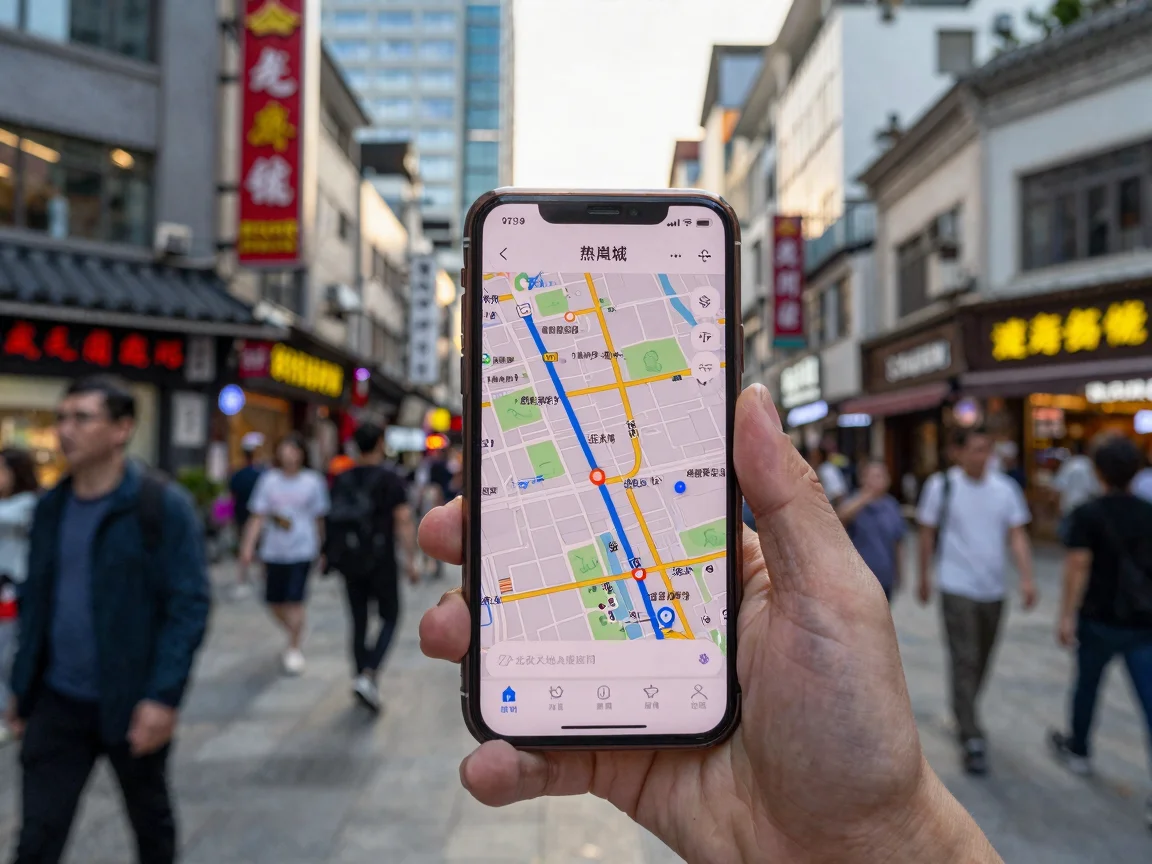
The #1 navigation app in China. Used by 800 million people. More accurate than anything in the West for Chinese roads, walking paths, and metro routing.
| Field | Detail |
|---|---|
| App Name | Amap (高德地图, Gāodé Dìtú) |
| Rating | ★★★★★ (4.8 on App Store, 500M+ downloads) |
| English Support | Partial — menus in English, POI names stay in Chinese |
| Download | iOS App Store / Android (search “Amap” or “高德地图”) |
| Price | Free |
| Offline Maps | Yes — download city maps in advance |
| Best For | Driving navigation, real-time traffic, metro routing |
Getting Started
Step 1 — Download & English Mode
Download from App Store (search “Amap”). Open the app. At the bottom-right, tap Me (我的). Tap the gear icon (Settings) at the top-right. Look for Language / 语言 and switch to English.
Some menu items and POI names will still show in Chinese characters. That’s normal.
Step 2 — Register
You can register with:
- Chinese phone number — full access
- Email — works but limited
- International phone number — works with SMS verification (your roaming plan needs to receive SMS in China)
Step 3 — Search for Places
- Type in English: Amap accepts English names for major attractions (“The Bund”, “Forbidden City”, “Pearl Tower”)
- Type Pinyin: “Nanjing Lu”, “Renmin Guangchang”
- Use Chinese if you have it: much more precise
Step 4 — Get Directions
Tap the Route / 路线 button. Choose:
- 🚶 Walking — great for pedestrians, shows underground passages
- 🚇 Transit — the best metro routing in China. Shows exact exits, transfer times, and bus lines
- 🚗 Driving — real-time traffic data, accident alerts, speed camera warnings
- 🚲 Cycling — surprisingly good bike routing
Key Features
| Feature | What It Does |
|---|---|
| Live Traffic | Shows red (jammed) / yellow (slow) / green (clear) on every road |
| Metro Map | Full China metro network, including stations you don’t need to go to |
| Voice Navigation | English voice available in the settings |
| AR Navigation | Point your camera at the street — arrows overlay on the real world (useful at complex intersections) |
| Share Location | Send your real-time location via WeChat so a friend can find you |
| Nearby | Find ATMs, pharmacies, gas stations, restrooms |
| Taxi (Didi) | Order a taxi directly from within Amap. Fare shows upfront. |
Pro Tips
- Download offline maps before arrival: Me (我的) → Offline Maps (离线地图) → pick cities. Each city is 50-200MB.
- Amap is the #1 app for drivers — it alerts you 300m before speed cameras, lane merges, and accident zones.
- Walking mode shows you which side of the street your destination is on. Sounds small, saves 10 minutes.
- Share your ETA with someone. They can track your trip in real-time.
— Baidu Maps (百度地图) —
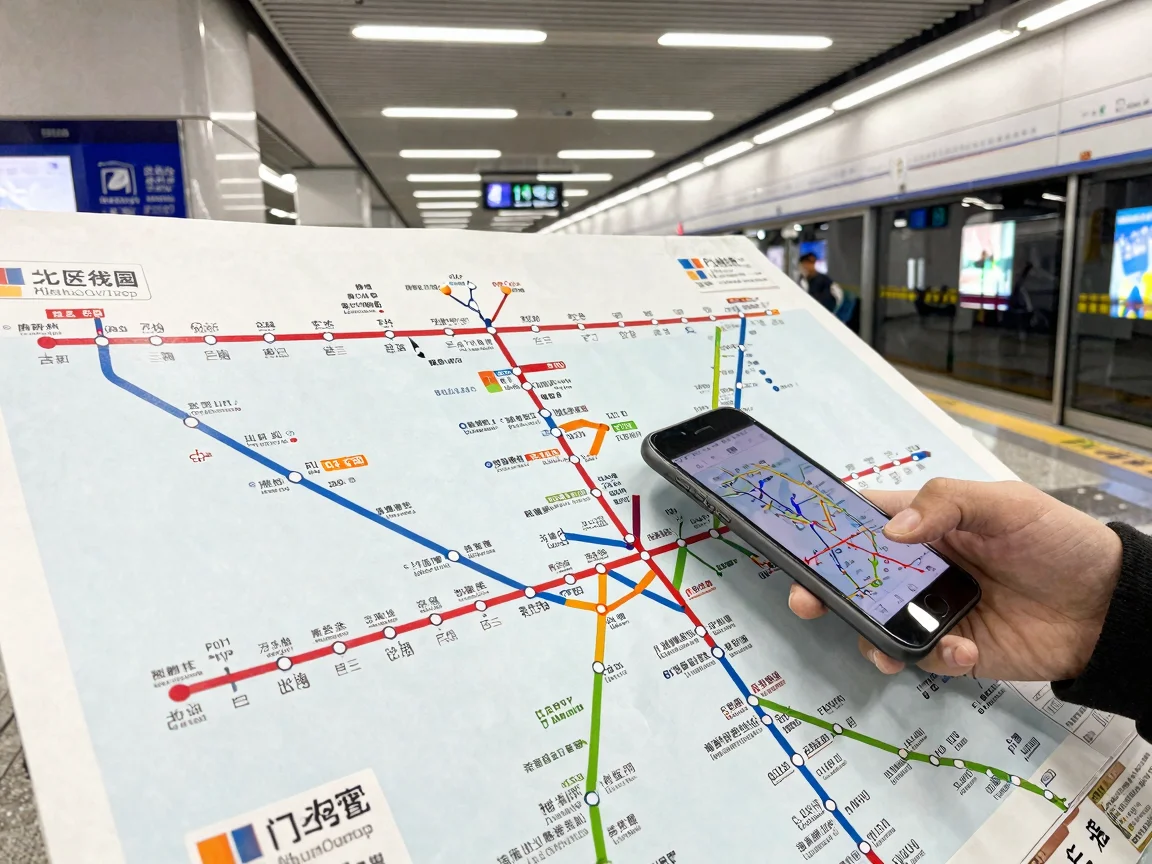
Amap’s main competitor. Also excellent. More Western-friendly UI. Better indoor navigation.
| Field | Detail |
|---|---|
| App Name | Baidu Maps (百度地图, Bǎidù Dìtú) |
| Rating | ★★★★☆ (4.6 on App Store, 400M+ downloads) |
| English Support | Better than Amap — more English POIs, cleaner English interface |
| Download | iOS App Store / Android (search “Baidu Maps” or “百度地图”) |
| Price | Free |
| Offline Maps | Yes |
| Best For | Indoor malls, airports, train stations; English-friendly interface |
Getting Started
Step 1 — Download & Set to English
Download Baidu Maps. It auto-detects and offers English on first launch. If not: Settings (设置) → General (通用) → Language (语言) → English.
Step 2 — Search
Same as Amap. English works for major destinations.
Step 3 — Route
Tap the route icon. Baidu Maps offers:
- Walking (步行)
- Transit (公交/地铁)
- Driving (驾车)
- Ride-hailing (打车)
Where Baidu Maps Wins
| Feature | Why It’s Better |
|---|---|
| Indoor Navigation | Step-by-step inside airports, malls, and train stations. Tells you which gate to walk to. |
| Street View (全景) | China’s version of Google Street View. Check a location visually before you go. |
| English POI Database | More English names for restaurants, hotels, and shops than Amap. |
| Bus Tracking | Shows exactly where your bus is on the map and when it will arrive (in seconds). |
| Voice Assistant | ”Xiaodu, navigate to Tiananmen” — voice is surprisingly accurate for English. |
Amap vs Baidu Maps — Which Should You Use?
| Scenario | Pick |
|---|---|
| Driving a car | Amap — better traffic data, speed camera alerts, lane guidance |
| Walking around a city | Either, but Baidu Maps has more English street names |
| Taking the metro | Amap — shows exact exit numbers and transfer walking times |
| Navigating inside a mall/airport | Baidu Maps — best indoor maps in China |
| Exploring with limited Chinese | Baidu Maps — more English-friendly interface |
| Getting a Didi taxi | Amap — integrated with Didi, one-tap booking |
| Checking what a place looks like | Baidu Maps — Street View (全景) |
My advice: Download both. They’re free. Use Amap for driving/metro, Baidu Maps for indoor navigation and when you need more English help.
— Maps.me (Offline Maps) —
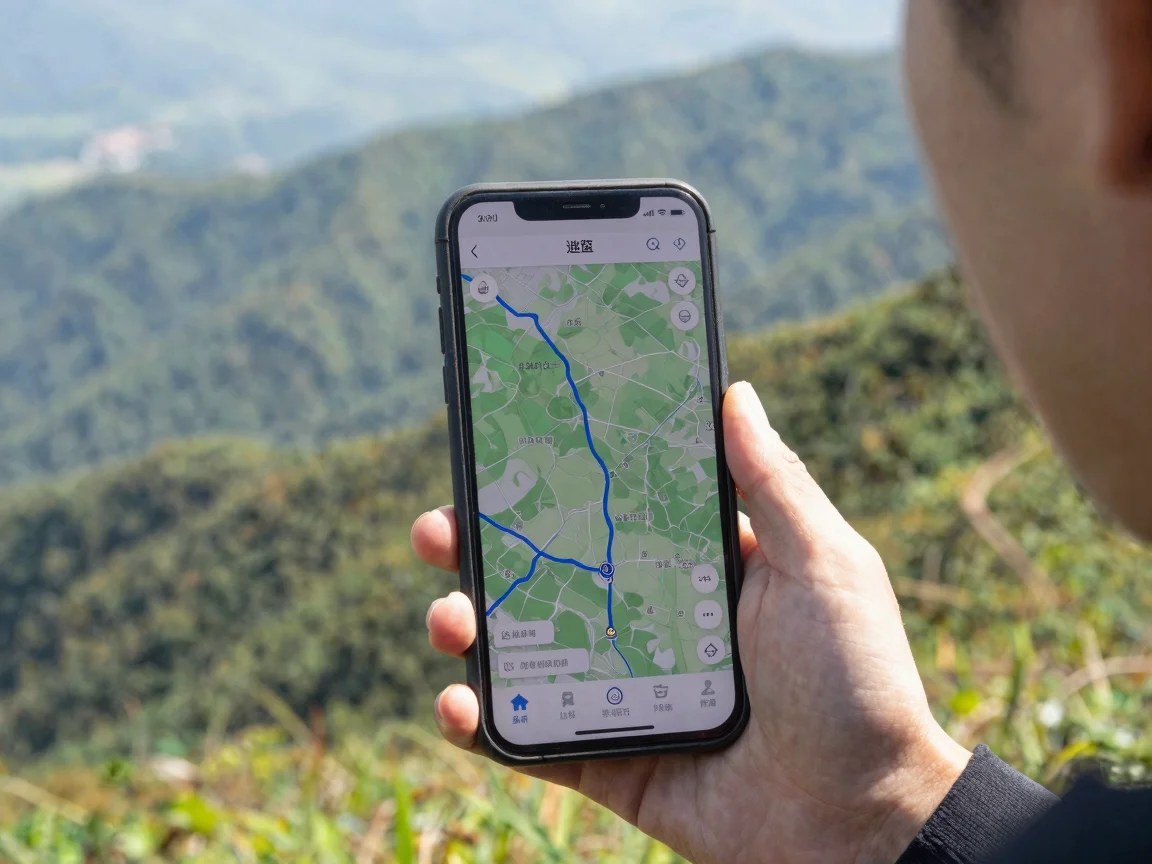
The offline king. Works completely without internet. Use this when you have no data or want to save your phone battery.
| Field | Detail |
|---|---|
| App Name | Maps.me |
| Rating | ★★★★☆ (4.5 on App Store, 50M+ downloads) |
| English Support | Full English interface |
| Download | iOS App Store / Android / Huawei AppGallery |
| Price | Free (with optional in-app purchases) |
| Offline Maps | The entire point — full offline navigation |
| Best For | No-internet situations, hiking, rural China, battery saving |
Getting Started
Step 1 — Download Maps Before You Arrive in China
Download Maps.me in your home country. Open it. Search for “China” or the city you’re visiting. Tap Download Map. Each city is 100-400MB.
⚠️ Do this before you arrive. Downloading large maps on China’s throttled internet is painful.
Step 2 — Navigate Offline
All data is stored on your phone. No internet needed for:
- GPS positioning (works without data)
- Walking directions
- Driving routes
- POI search (restaurants, hotels, ATMs)
- Bookmarking locations
Step 3 — Bookmark Everything
Before your trip, pin all your destinations on Maps.me:
- Hotel
- Top 5 restaurants
- Must-see attractions
- Nearest hospital
- Embassy location
This creates a visual map you can follow without searching.
Key Features
| Feature | What It Does |
|---|---|
| Full Offline | GPS + map data = no internet needed. Works in airplane mode. |
| Battery Efficient | Uses 60% less battery than Amap or Baidu Maps |
| Lightweight | App is only 70MB. Maps are stored separately. |
| Bookmarks | Color-coded pins for hotels, restaurants, sights |
| Route Sharing | Share your planned route via a link |
Pro Tips
- Use Maps.me as your backup. When Amap or Baidu Maps fails (no signal in a tunnel, phone roaming is slow), open Maps.me.
- Pin your hotel. You’ll never need to ask “where am I staying?” in Chinese.
- Works beautifully in rural China. Villages in Yunnan, hiking trails in Zhangjiajie, remote parts of Tibet — Maps.me still works.
- Combine with Amap/Baidu Maps for the best experience. Use Amap for live traffic and metro. Use Maps.me when the internet drops.
— Practical Comparison —
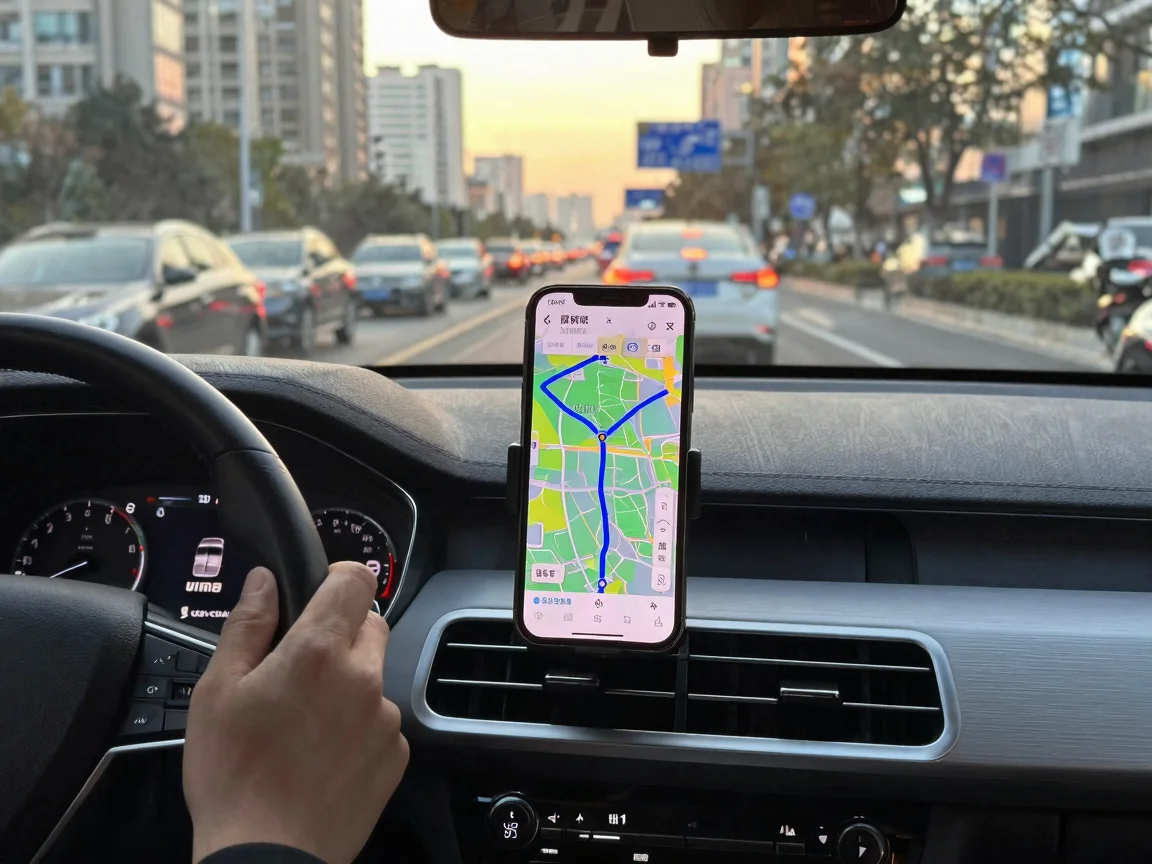
At a Glance
| App | Internet Needed | English UI | Metro Routing | Driving | Offline Maps | Best For |
|---|---|---|---|---|---|---|
| Amap | Yes | Partial | ★★★★★ | ★★★★★ | Yes | Driving + Metro |
| Baidu Maps | Yes | Good | ★★★★ | ★★★★ | Yes | Indoor + English |
| Maps.me | No | Full | ★★ | ★★★ | Yes (core) | Backup + Offline |
Data Usage (Approximate per Hour)
| Activity | Amap | Baidu Maps | Maps.me |
|---|---|---|---|
| Navigating (maps cached) | 5-10 MB | 5-10 MB | 0 MB (offline) |
| Searching POIs | 1-2 MB per search | 1-2 MB per search | 0 MB |
| Live traffic updates | 10-20 MB | 10-20 MB | N/A |
| Street View / AR | 20-50 MB | 20-50 MB | N/A |
Which Apps to Install
| Trip Type | Apps to Download |
|---|---|
| City trip (Beijing, Shanghai, Chengdu) | Amap + Baidu Maps |
| Outdoor / hiking (Zhangjiajie, Yunnan, Tibet) | Maps.me + Amap |
| Road trip across provinces | Amap (for driving) + Maps.me (for backup) |
| Business / conference | Baidu Maps (better indoor nav for hotels/convention centers) |
| Budget traveler | Maps.me (saves data) + Amap (for metro routing) |
| Short stay (3-5 days) | Amap alone is enough |
— Getting Around With These Apps —

🚇 Using Amap for the Metro
This is the #1 reason to install Amap.
- Type your destination (English OK)
- Tap Route (路线) → Transit (公交/地铁)
- Amap shows: which line, which direction, which exit number, transfer station, total time and cost
- Follow the highlighted path on the map
Amap even shows you which exit to use (出口 A, B, C, D). This is huge — some metro stations have 12+ exits and the wrong one can mean 10 extra minutes of walking.
🚕 Hailing a Taxi with Didi Through Amap
- In Amap, tap Taxi (打车)
- It auto-detects your location (usually correct)
- Type your destination
- Choose: Express (快车) / Premier (专车) / Taxi (出租车)
- Confirm the fare (shown upfront)
- The driver picks you up. Your location is shared automatically.
🚶 Walking Directions
Both apps handle walking. Baidu Maps has slightly better English street names. But Amap’s walking mode shows:
- Crosswalks / pedestrian bridges
- Underground passages
- Which side of the street your target is on
- Elevation changes (useful in Chongqing, Guiyang)
🚲 Bike & E-Scooter
- Amap: Good cycling routes with dedicated bike lane info
- Baidu Maps: Also good, but Amap edges ahead
- Maps.me: Basic, doesn’t show bike lanes
🚗 Driving Navigation
Amap is the clear winner for driving. Period. It has:
- Real-time traffic with AI prediction of when jams will clear
- Speed camera locations (fixed and mobile)
- Lane guidance (“stay in the 2nd lane from left”)
- Accident alerts from other drivers
- Gas station and EV charging station filters
— Getting Started Checklist ☑️ —
| Step | App | Before Arrival | After Arrival |
|---|---|---|---|
| 1 | Download app | Amap + Baidu Maps | ✅ |
| 2 | Set to English | Both | ✅ |
| 3 | Download offline maps | Amap or Maps.me | ✅ |
| 4 | Search your hotel | Any app | ✅ |
| 5 | Bookmark destinations | Maps.me or Amap | ✅ |
| 6 | Test navigation | Amap | |
| 7 | Share location with someone | Amap → share via WeChat |
— FAQ —
Q: Do I need a Chinese phone number for these apps? A: Amap and Baidu Maps work with international numbers. But you need SMS verification, so your roaming must support receiving SMS in China.
Q: Can I use these apps in English completely? A: No. Menus and settings can be in English, but street names, shop names, and POI details remain in Chinese. You don’t need to read Chinese to navigate — follow the blue line and the map visuals.
Q: What if I can’t read Chinese at all — can I still navigate? A: Yes. The blue line on the map is universal. Colors tell you everything: blue = route, red = traffic jam, green = clear. Numbers on the metro map are the same as the physical stations. You’ll be fine.
Q: Do these apps work with Apple CarPlay or Android Auto? A: Amap supports CarPlay. Baidu Maps does not (as of 2026). For Android Auto, Amap works; Baidu Maps has limited support.
Q: How do I type Chinese addresses if I can’t read Chinese? A: Three ways: (1) Type in English for major destinations. (2) Show the Chinese address to someone and ask them to type it once. (3) Use the voice search button (looks like a microphone) and say the address.
Q: Can I use these apps without a VPN? A: Yes. These are Chinese domestic apps. They work perfectly on China’s internet without any VPN.
Q: Which app is best for finding restaurants? A: Baidu Maps has more English reviews. But neither is a Yelp replacement. For restaurant discovery, use Dianping (大众点评) and then navigate there with Amap.
Q: Do these apps drain the battery? A: Amap and Baidu Maps use about 10-15% per hour of active navigation with screen on. Maps.me off-line uses ~5-6% per hour. Bring a power bank.
Q: Why would I need Maps.me if I have Amap? A: Three reasons: (1) zero data usage, (2) works in airplane mode, (3) still navigates when you’re in a subway tunnel, rural area, or hiking trail where cellular data is nonexistent.
— Honest Words —
These apps are not perfect. AMap’s English translation can be comically bad (expected: “East Nanjing Road,” got: “Nanjing East Way”). Baidu Maps has crashed on me twice at busy intersections. Maps.me’s directions are basic and it won’t reroute you around traffic.
But they’re far better than showing up in China with no map at all. And once you spend 15 minutes learning the basics — especially the color-coded route lines and metro numbers — you’ll wonder why you ever worried.
Download both Amap and Maps.me before you leave. Test them at home. Pin your hotel. Then relax — you’ll never be lost.